
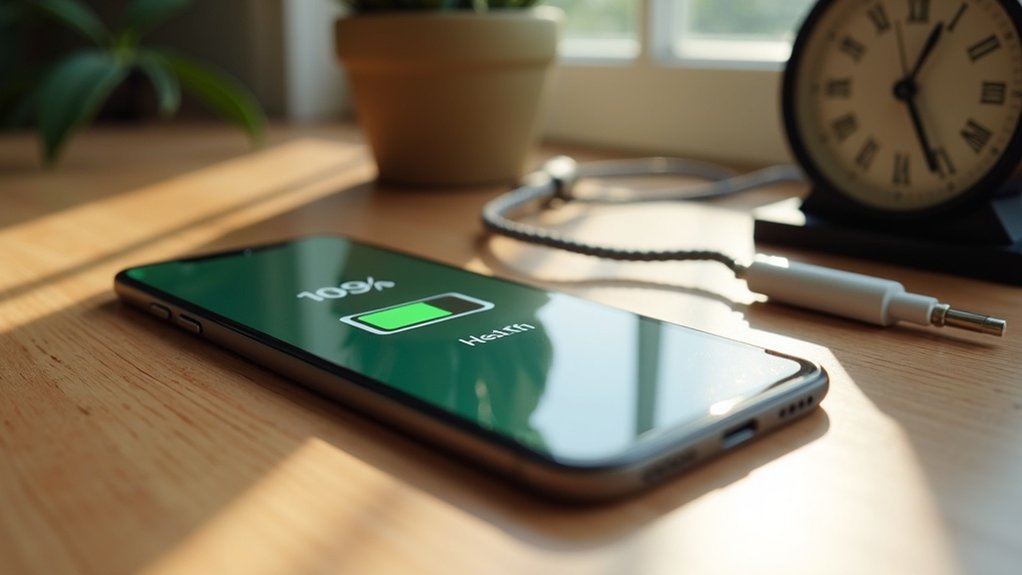
To manage battery health over time, keep your device’s temperature between 68°F and 86°F. Charge your battery when it drops to around 20% and unplug it once it hits 100%. Avoid frequent deep discharges, and aim to maintain a charge level between 20% and 80%. Regularly monitor your battery usage and limit active background apps. Utilize charging management tools for peak performance. If you want to discover more effective strategies, there’s plenty more to explore.
Key Takeaways
- Regularly monitor battery health through device settings to identify issues early and optimize performance.
- Maintain optimal temperature between 68°F and 86°F to prevent overheating and degradation.
- Charge your device between 20% and 80% to minimize stress on the battery.
- Use original or certified chargers and unplug devices promptly after they reach 100% to avoid overcharging.
- Limit background activity of high-drain apps and enable Low Power Mode during low battery periods for better management.
Understanding Battery Health and Its Importance
Understanding battery health is essential for maximizing the performance and lifespan of your devices, as it directly affects how efficiently they store and deliver power.
Lithium-ion batteries, commonly found in smartphones and laptops, gradually lose battery capacity due to charge cycles and temperature extremes. High temperatures accelerate degradation, while cold conditions hinder efficiency, making temperature management crucial.
Regular monitoring of battery health helps you spot performance issues early, signaling when maintenance or replacement is necessary.
Practical Tips for Maintaining Battery Health
To maintain ideal battery health, it’s important to adopt specific habits that prevent unnecessary wear and tear.
Keep your device’s temperature between 68°F and 86°F to guarantee peak performance.
Maintain your device’s temperature between 68°F and 86°F for optimal performance and longevity.
Adjust your charging habits by recharging when the battery drops to around 20% and unplugging at 100% to reduce stress.
Use original or certified chargers for safe, efficient charging.
Regularly install software updates to enhance efficiency.
Activate Low Power Mode and manage Background App Refresh settings to minimize unnecessary drain on your battery.
Charging Best Practices for Longevity
When you prioritize smart charging habits, you greatly enhance your device’s battery longevity.
To maintain battery health effectively, consider these charging best practices:
- Keep your battery level between 20% and 80% to reduce stress and prolong battery lifespan.
- Always disconnect devices once they’re fully charged to prevent overcharging and degradation.
- Use charging management tools, like Chargie, to set custom limits for peak performance.
Monitoring and Managing Battery Usage
Monitoring your battery usage is essential for maintaining ideal performance and extending the lifespan of your device. Regularly check the battery usage statistics in your settings to identify apps that consume the most power.
Limit their background activity to enhance energy efficiency. Enable battery-saving features like Low Power Mode during low battery periods to reduce overall consumption.
Utilize the Daily Usage chart to track performance trends, allowing informed adjustments. Additionally, monitor battery health under Settings > Battery > Battery Health, as significant drops may indicate replacement needs.
Finally, connect to Wi-Fi when possible to conserve battery compared to cellular networks.
Utilizing Technology to Optimize Battery Performance
As you seek to extend your device’s battery life, leveraging technology becomes essential.
Consider these strategies:
- Utilize Battery Management Systems (BMS) for effective temperature and voltage management.
- Implement smart charging technologies to guarantee peak cell performance.
- Regularly update software to enhance power management features.