
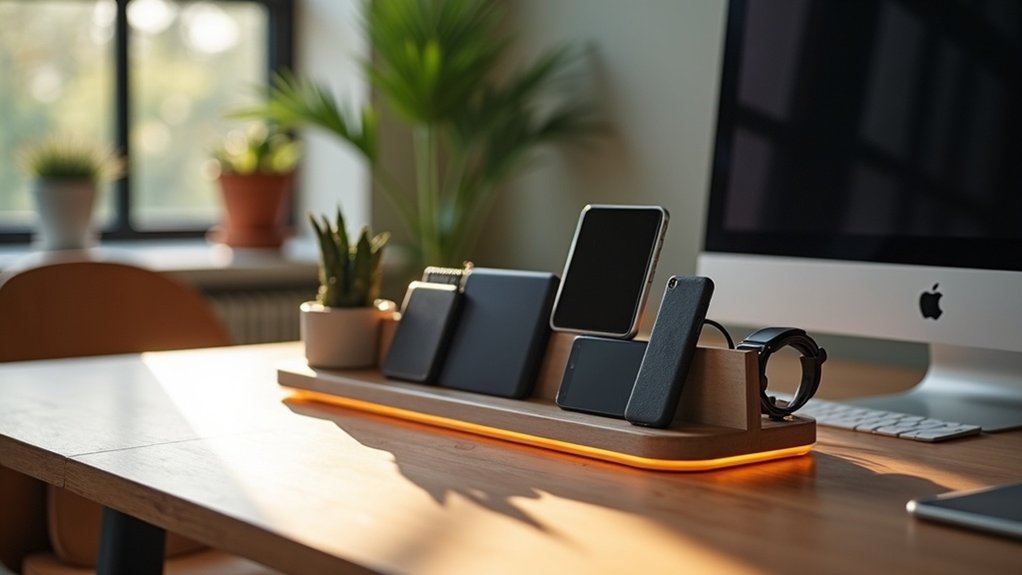
To organize charging for multiple devices at home, start by centralizing devices in a designated charging station. Choose a model that fits your needs, such as a desktop docking station or a wireless charging pad. Guarantee compatibility with USB-C and USB-A ports for versatility. Implement cable management features to reduce clutter and enhance safety with surge protection. Regularly evaluate your charging capacity as your device collection grows. Keep exploring for more tips on optimizing your charging setup.
Key Takeaways
- Designate a specific charging station where all devices are charged to reduce clutter and improve access for family members.
- Choose a multi-device charging station with ample ports and safety features like surge protection for efficient and safe charging.
- Utilize cable management solutions to keep cords organized and prevent tangling, enhancing the overall aesthetics of your charging area.
- Implement household rules regarding charging times to encourage responsible device usage and minimize distractions.
- Regularly assess your charging needs and upgrade to a higher capacity station as new devices are added to your household.
Importance of a Family Charging Station
Establishing a family charging station is essential for maintaining order in your home, particularly as the number of devices continues to grow.
By centralizing the charging of multiple electronic gadgets, you reduce clutter from scattered chargers and cords. A designated area not only simplifies access for all family members but also reinforces household rules regarding screen time, vital during bedtime.
Consider various charging station ideas that enhance your home’s aesthetics while providing functionality. This streamlined approach improves efficiency in daily routines, ensuring devices are powered and ready for use, making life a bit less chaotic for everyone.
Types of Multi-Device Charging Stations
A well-organized family charging station can only be as effective as the type of multi-device charging solution you choose.
Desktop docking stations offer multiple slots and built-in cable management, keeping cords organized.
Desktop docking stations streamline your charging experience with multiple slots and integrated cable management for a tidy setup.
Wireless charging pads provide a clutter-free option for compatible devices, perfect for low-traffic areas.
For small spaces, wall-mounted units save counter space while organizing devices vertically.
Portable charging hubs feature multiple ports for simultaneous charging on-the-go, often with power bank capabilities.
Finally, locker-based charging stations guarantee secure, tamper-resistant options ideal for public spaces like cafes and airports, where device safety is a priority.
Key Features to Consider When Choosing a Charging Station
When choosing a charging station, you need to focus on device compatibility, ensuring it supports both USB-C and USB-A ports for all your gadgets.
Consider the size and design to fit your space while enhancing your home’s aesthetics.
Don’t forget to prioritize safety features, like surge protection and overheat control, to keep your devices safe during charging.
Device Compatibility Options
Choosing the right charging station for your home involves more than just picking one that looks good; it requires careful consideration of device compatibility features.
You’ll want to guarantee that your charging station for multiple devices meets diverse technology needs.
- Variety of ports (USB-C PD and USB-A)
- Simultaneous charging capabilities
- Compatibility with different brands and models
- Safety features (surge protection, overheat prevention)
- Organization features (cable management, designated slots)
Space and Design
Considering device compatibility is just the start; space and design play a significant role in selecting the right charging station for your home.
First, verify the charging station for multiple devices can handle all your family’s gadgets simultaneously. Look for various ports like USB-C and USB-A for compatibility.
Aesthetics matter too—choose a design that complements your décor while keeping your space organized. Prioritize models with built-in cable management to reduce clutter and tangling.
Finally, assess the size and location to fit seamlessly into your home, making it easily accessible without disrupting the room’s flow.
Safety Features Required
To guarantee your devices stay safe while charging, it’s essential to prioritize safety features in a charging station for multiple devices.
Look for these key features:
- Overcurrent protection to prevent damage from excessive current flow.
- Surge protection to safeguard against voltage spikes and electrical surges.
- Temperature monitoring to avoid overheating and potential fire hazards.
- Safety certifications from organizations like UL or CE, ensuring compliance with safety standards.
- Built-in cable management to reduce tripping hazards and maintain a tidy area.
Setting Up Your Multi-Device Charger Station
While setting up your multi-device charger station, it’s crucial to select a location that balances convenience and functionality. Keep it near power outlets and away from high-traffic areas to reduce cord chaos. Choose a charging station for multiple devices with a mix of USB-C, USB-A, and wireless options. Test all ports to guarantee ideal charging speeds. Use built-in organizers or clips to manage cables effectively. Regularly assess your station to remove unused cables or outdated devices.
| Device Type | Connection Type | Charging Speed |
|---|---|---|
| Smartphone | USB-C | Fast |
| Tablet | USB-A | Moderate |
| Wearable | Wireless | Slow |
Managing Cable Clutter and Organization
How can you keep your charging area neat and efficient? Start managing cable clutter by implementing effective solutions that keep your charging cables organized.
Consider these strategies:
- Use clips and sleeves to bundle cords neatly.
- Color-code cables for easy device identification.
- Regularly declutter by removing outdated accessories.
- Install wall-mounted charging stations to save space.
- Opt for charging stations with built-in organizers for accessories.
Enhancing the Charging Experience With DIY Solutions
When you create a personalized charging station, not only do you streamline your device management, but you also enhance the overall aesthetic of your space. Using a repurposed wooden box or old drawer, you can craft a charging station for multiple devices. Incorporating cable management solutions like adhesive clips keeps cords tidy. Consider designing a matching charging tray for your decor. Clear bins can store labeled cables for easy access. A wall-mounted unit saves floor space while adding style.
| DIY Solution | Benefits | Materials Needed |
|---|---|---|
| Wooden box | Organizes devices | Old wooden box |
| Charging tray | Aesthetic touch | Tray or bowl |
| Wall-mounted shelf | Space-saving | Hooks, shelves, wood |
Recommended Multi-Device Charging Stations
When choosing a multi-device charging station, it’s essential to contemplate the types available and their key features.
Look for options that efficiently power multiple devices while minimizing clutter, like the Belkin Boost Charge Pro or the Anker PowerPort Atom PD 4.
We’ll explore the best multi-device options to suit your needs and keep your charging area organized.
Types of Charging Stations
While managing multiple devices at home can be challenging, investing in a reliable multi-device charging station can streamline the process.
Here are some excellent options to evaluate:
- Belkin Boost Charge Pro: Charges three devices at 15W simultaneously.
- Smartish Approach: Features air-pocket corners for added safety.
- Hercules Tuff Charging Kiosk: Eight locked compartments for secure public charging.
- Anker’s PowerPort Atom PD 4: Four USB-C ports with 100W power output.
- Charge Island: Universal wireless charging to minimize cable clutter.
These charging stations for multiple devices cater to various needs, ensuring convenience and efficiency in your home.
Key Features to Consider
Choosing the right multi-device charging station can greatly enhance your home charging experience, so it’s crucial to reflect on several key features.
First, verify compatibility with various device brands to keep track of everyone’s gadgets. Look for a charging station for multiple devices that includes multiple ports, such as USB-C PD and USB-A, accommodating both new and older devices.
Built-in cable management will help reduce clutter, while safety features like overheat protection and surge control safeguard your devices.
Finally, select a station with enough capacity to handle your current needs and allow for future expansion.
Best Multi-Device Options
Finding the right charging solution for multiple devices at home can greatly streamline your daily routine.
Here are some of the best multi-device charging stations to take into account:
- Belkin Boost Charge Pro: Fast-charges three devices at 15W each.
- Anker PowerPort Atom PD 4: Features four USB-C ports with up to 100W power.
- Hercules Tuff Charging Kiosk: Eight locked compartments for secure charging.
- Charge Island: Universal wireless solution for a clutter-free experience.
- Smartish Approach: Protective features enhance user experience while securing devices.
These options guarantee you’ll have efficient charging for all your gadgets, keeping your space organized and functional.